Text Fuzzing
FFmpeg's drawtext filter has strict, easy-to-get-wrong escaping rules for special characters (quotes, brackets, colons, backslashes). This script stress-tests those rules by generating 100 random strings from special characters and whitespace, rendering each one briefly on screen, and sliding to the next.
It's useful for:
- Verifying ffmpeg-studio's automatic quoting/escaping holds up under adversarial input
- Visually inspecting how specific characters render (or fail to render) in
drawtext - Regression-testing filter graph generation when special characters are involved
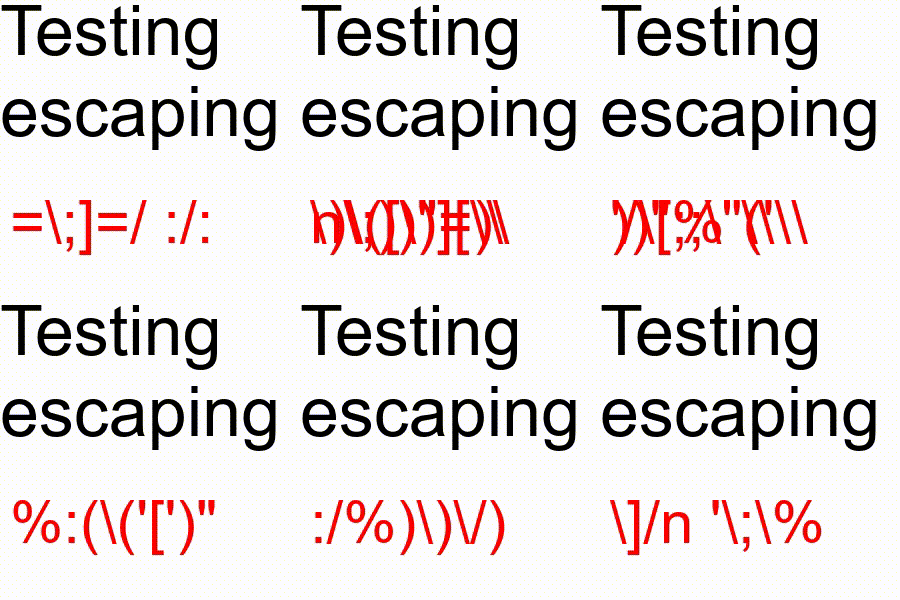
Example
example/text_fuzzing.py
"""
Fuzzed Text Sliding Video Generator using FFmpeg

This script generates a video with randomized fuzzed text appearing in short,
sliding time windows. Each fuzzed text sample is drawn onto a white background
video using FFmpeg's `drawtext` filter.
"""

import random
import string

from ffmpeg import FFmpeg, InputFile, Map, apply
from ffmpeg.filters import Text

# All special characters to fuzz
special_chars = r" []=;:\/()%'\n\""


# Generate fuzzed string
def fuzz_text(length=10):
    base = special_chars + string.ascii_letters + string.whitespace + string.punctuation
    return "".join(random.choice(base) for _ in range(length))


# Loop to run fuzz text
v = InputFile("color=white:500x300", f="lavfi", r=60)

for i in range(100):
    text_value = fuzz_text()
    print(f"Fuzzing with text: {repr(text_value)}")
    slide = 0.05
    start = i * slide
    end = start + slide
    v = apply(
        Text(text=text_value, y=0, x=0, color="red", fontsize=80).enable_between(
            round(start, 3), round(end, 3)
        ),
        v,
    )

f = FFmpeg()
f.output(Map(v), t=round(end, 3), path=f"out.gif")
f.run()
Each run generates a new set of random strings, so output will differ between runs. The GIF above shows one example pass.